 Truckie Hours

Tap when you start. Tap when you stop.
-
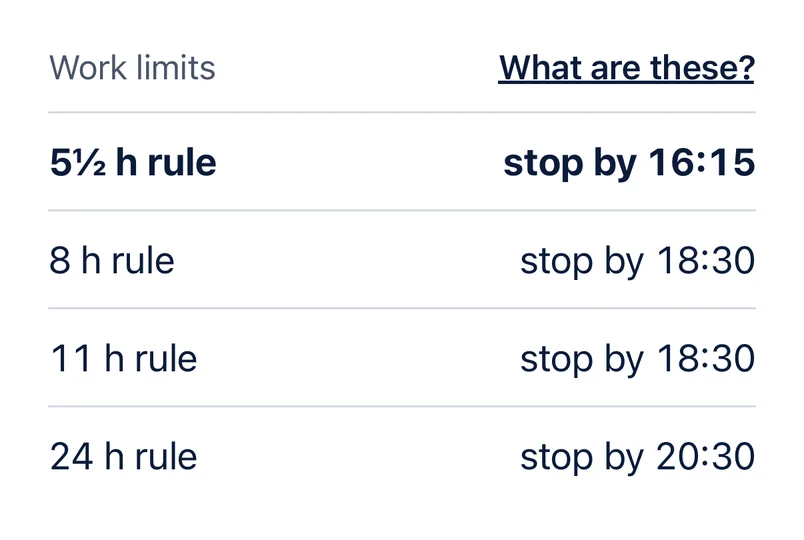
Tap Start work before you drive off
Each work limit shows its own stop time.
-
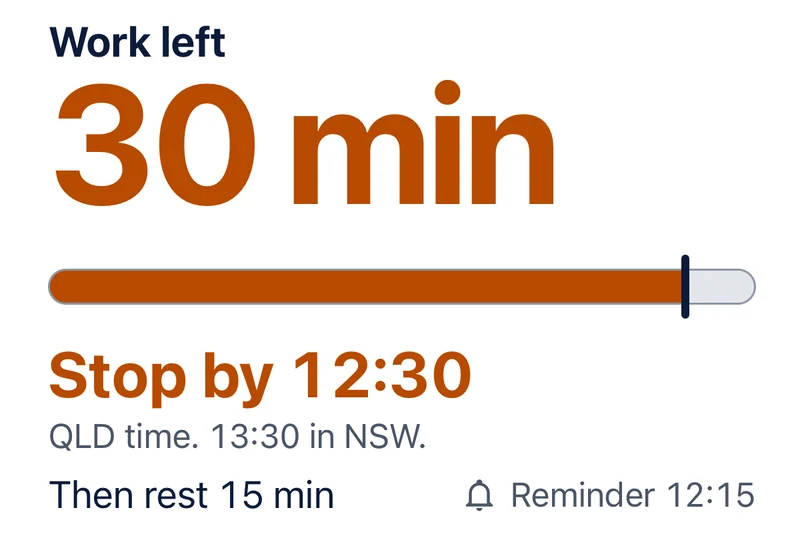
Get a reminder before your stop time
Pick 10, 15 or 30 minutes ahead. The last 30 minutes show in orange.
-
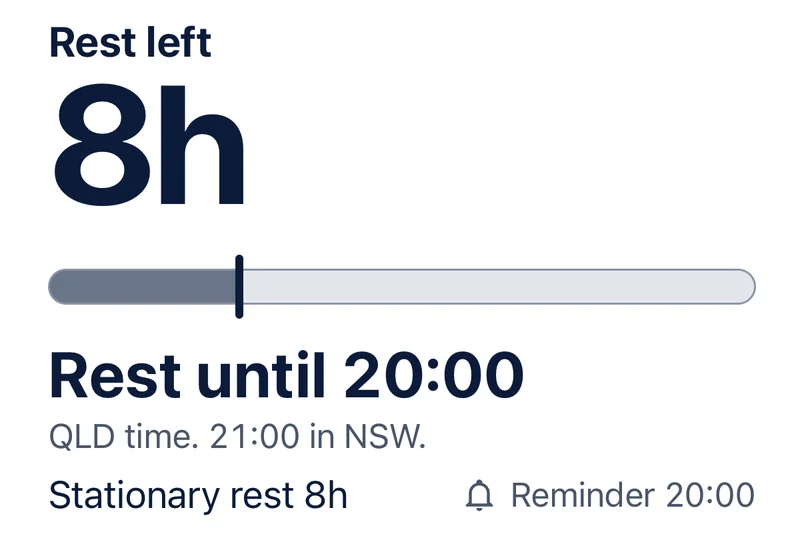
Once you’ve stopped, tap Start rest
See how much rest is left and when it ends.
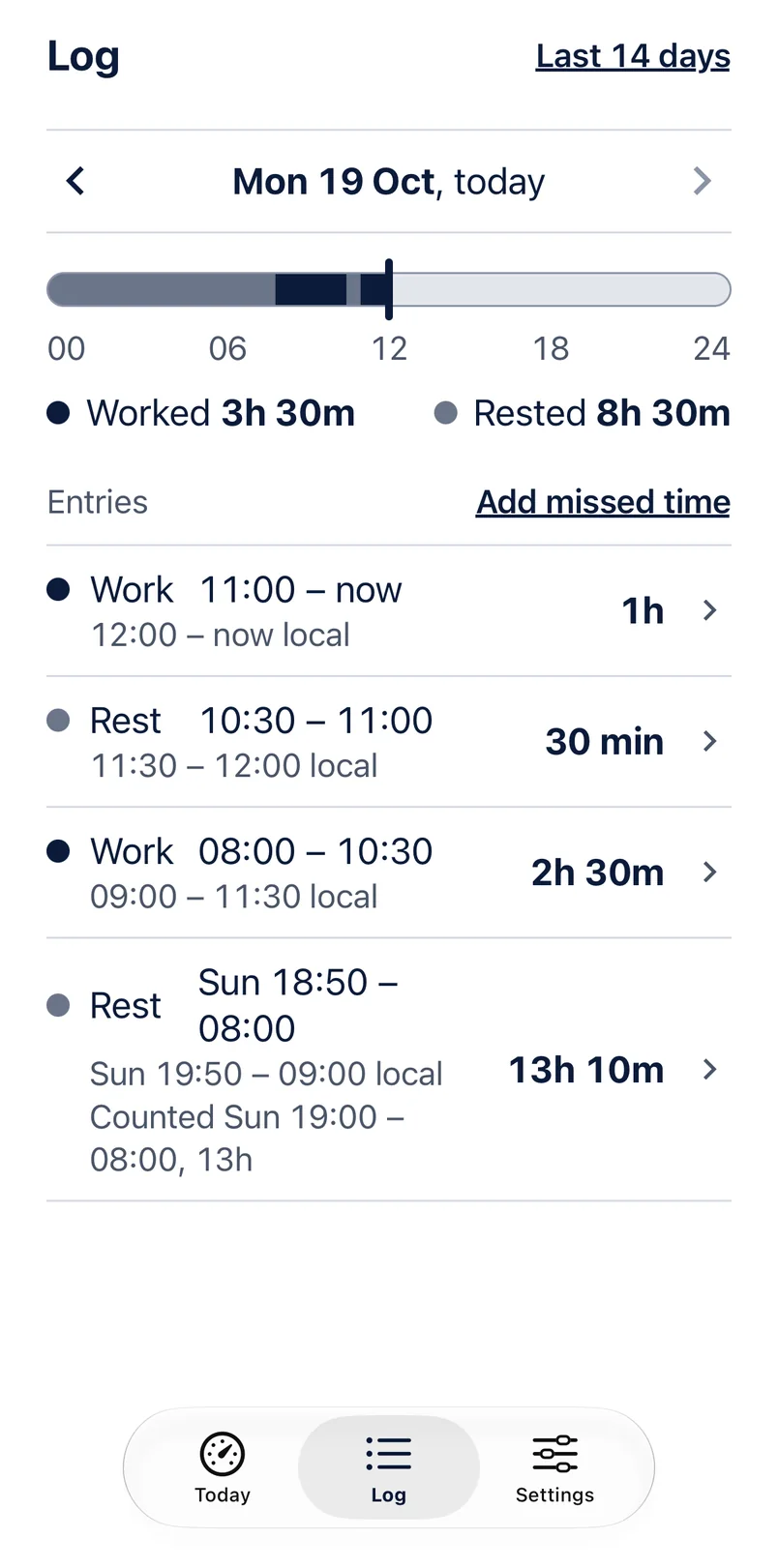
Forgot to tap? Fix it when you’re stopped.
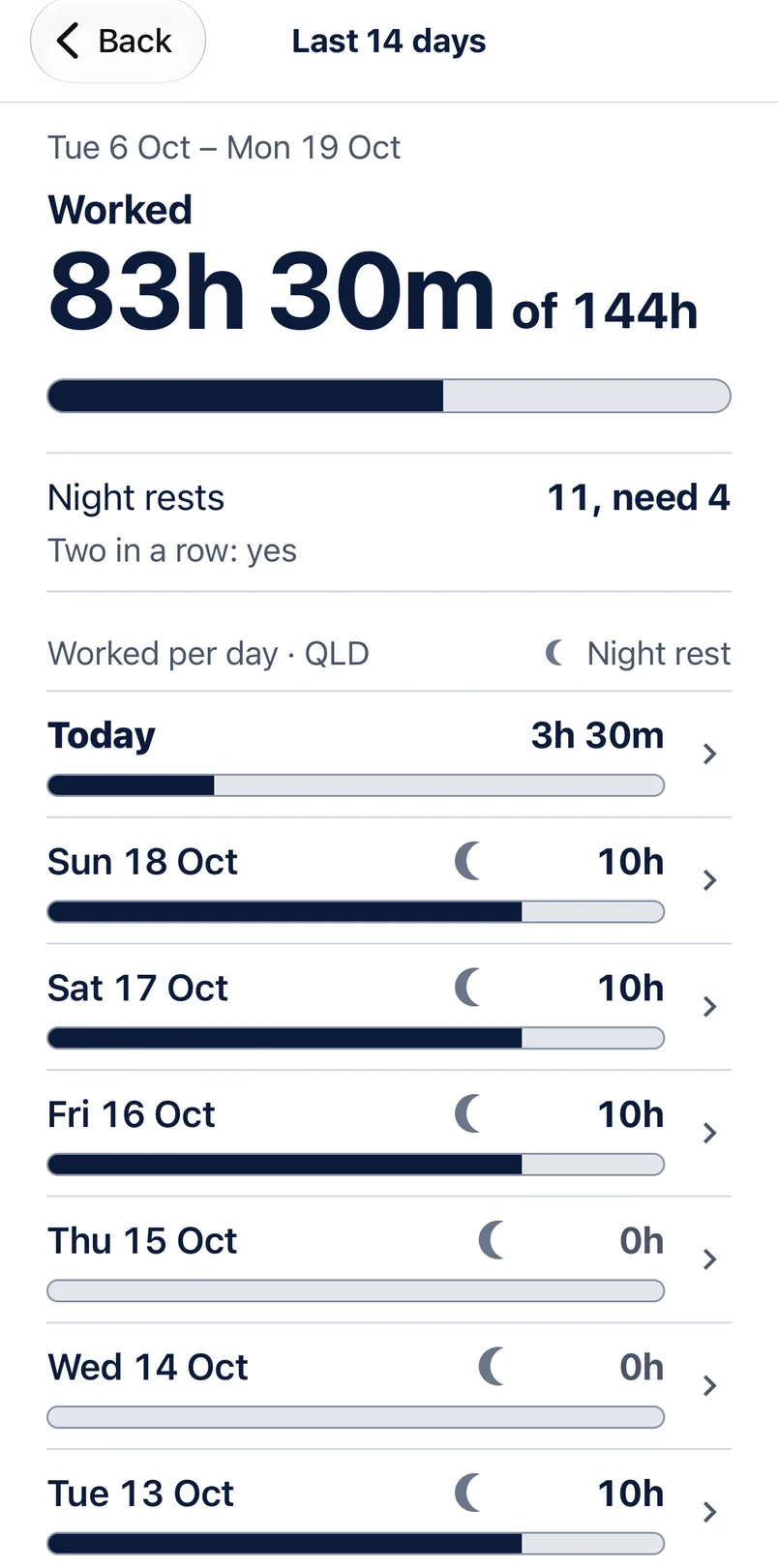
Start from an earlier time, add missed time or edit any entry. Your last 14 days are one tap away.
Is it right for your work?
Covers
- Standard Hours, solo and two-up
- 5½, 8, 11 and 24 hours, 7 and 14 days
- Night rests in the last 14 days
- Paper diary (15 min) or EWD (1 min)
- Your base time, with local time alongside
Doesn’t cover
- BFM
- AFM
- Exemption hours
- Bus and coach hours
- WA and NT work and rest rules
Truckie Hours is here to help you plan your hours. It doesn’t take legal responsibility for them, and your paper diary or EWD stays the official record.
Your log stays on your phone.
- No account
- No ads
- No analytics
- Works with no signal
- Backup and CSV export when you want them